
An honest buyer's guide for Australian workshops
Cabinet Making Software Compared

What is the best cabinet making software in Australia?
The best cabinet making software depends on your workshop. Small residential shops on a tight budget often start with entry-level subscription software such as Mozaik or CabMaster. Growing workshops and CNC manufacturers that need design to manufacture in one scalable system often choose CABINET VISION, sold and supported in Australia by Planit.
Which software suits your workshop?
There's no single best package. Start with the type of work you do and where your business is heading.
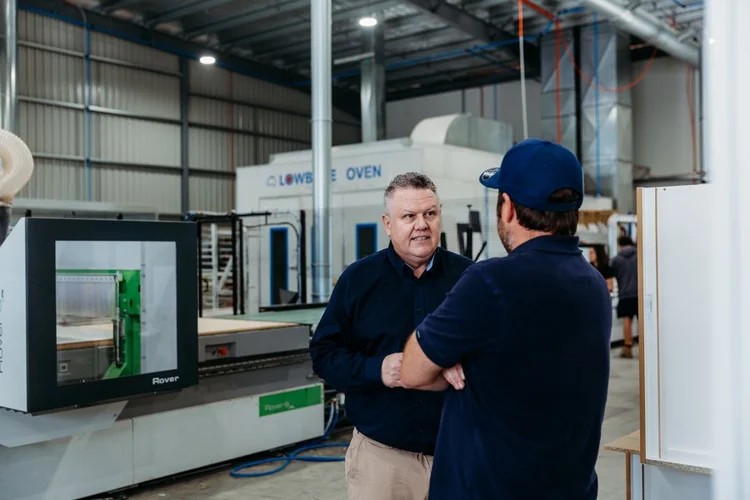
Small residential workshops
Entry-level subscription software with published monthly pricing, such as Mozaik or CabMaster.
Planning to add a CNC or grow? Consider whether the software will scale with you.
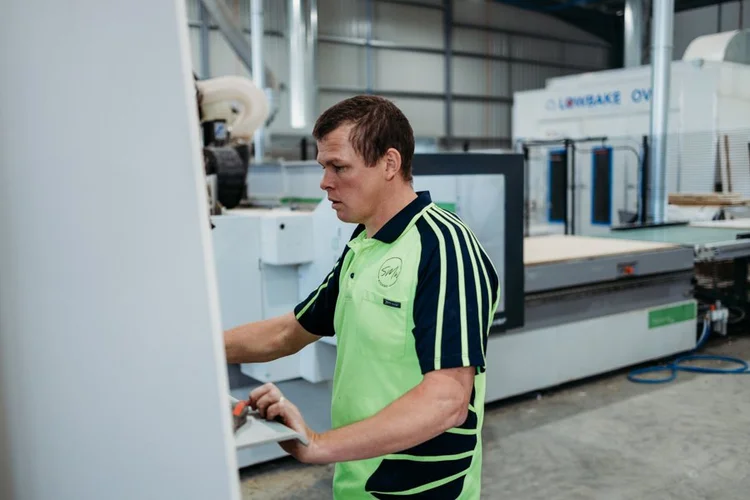
Growing workshops & CNC manufacturers
CABINET VISION: design to manufacture in one system, with Screen to Machine and modules that grow with the business.
Supported locally by Planit, Australia's authorised reseller.
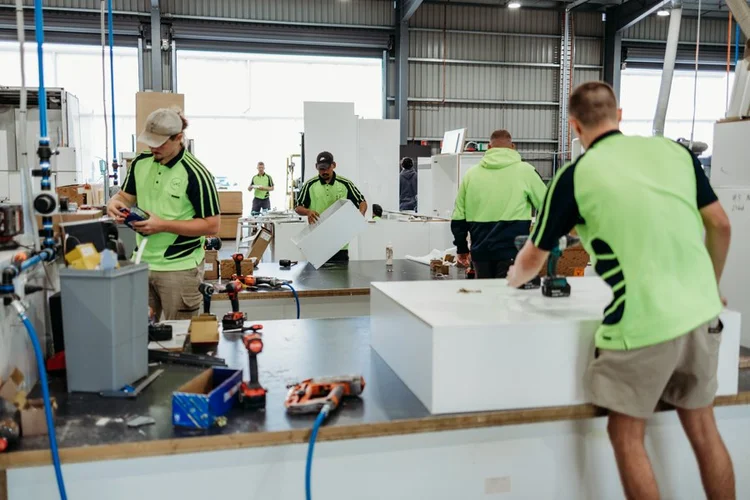
Commercial & highly custom work
CABINET VISION and Microvellum. Microvellum suits teams who want to work inside a CAD platform.
CABINET VISION offers deep customisation as a stand-alone system.
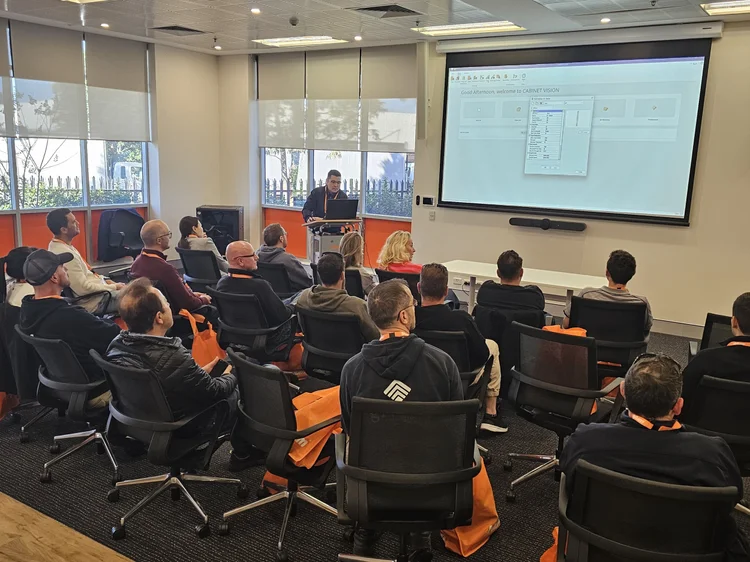
Designers & design studios
CABINET VISION for design, renders and manufacturer-ready drawings, or designer plans such as CabMaster's.
VORTEK Spaces adds immersive 3D client presentations.
CABINET VISION vs Mozaik vs Microvellum vs CabMaster
A side-by-side comparison based on each vendor's public information.
| Compare | CABINET VISION | Mozaik | Microvellum | CabMaster |
|---|---|---|---|---|
| Developer | Hexagon (global); sold and supported in Australia by Planit | Cyncly (global) | Microvellum (USA) | CabMaster Software (Melbourne, Australia) |
| How it runs | Stand-alone Windows software | Stand-alone Windows desktop software | Inside a CAD platform: BricsCAD (BSB) or AutoCAD (AC) | Stand-alone software, with Ibex CNC for CAD/CAM |
| Design to manufacture | Yes: design, cut lists, optimisation, Screen to Machine | Yes: design, optimiser and CNC products | Yes: design, engineering and manufacturing | Yes: design to shop drawings and renders; CNC via Ibex |
| CNC output | Screen to Machine; machine connections set up by Planit | Post processors for a wide range of CNC brands | Machine output from the Microvellum platform | Ibex CNC: nesting, toolpaths, labelling |
| Licence options | Subscription (12 months upfront or quarterly) or perpetual | 1-year subscription after a 3-month paid trial | Subscription for new products (since July 2025) | Subscription (quarterly or annual) or owned licence |
| Published pricing | Quote-based, tailored to modules and users | Yes (USD, on its website) | Through sales | Yes (AUD, on its website) |
| Australian support | Planit, Sutherland NSW: help desk, Concierge onboarding, Product Solution Experts | ANZ remote trainers and help desk | Penrith NSW training centre; AU/NZ online classes | Melbourne support team, Mon–Fri 7am–5pm AEST |
| Services from the seller | Planit: Concierge onboarding, machine connections, Consultancy, Solid Setup Plus, VORTEK Spaces, Leica measuring | Training and help desk from Cyncly | Training and support from Microvellum | Training and support from CabMaster |
| Training | Planit Academy, Consultancy (1, 3 or 6 hours or onsite), Nexus Academy | Free training videos; paid one-on-one sessions | Classroom and online training | Knowledge base, videos, one-on-one training |
| Often chosen by | Growing workshops, CNC manufacturers, multi-user factories, designers | Small to mid residential shops | Commercial millwork and highly custom work | Australian small to mid cabinetmakers and designers |
Information checked November 2026. Features and pricing change, so confirm details with each vendor. Scroll sideways on mobile.

More than software: what Planit adds
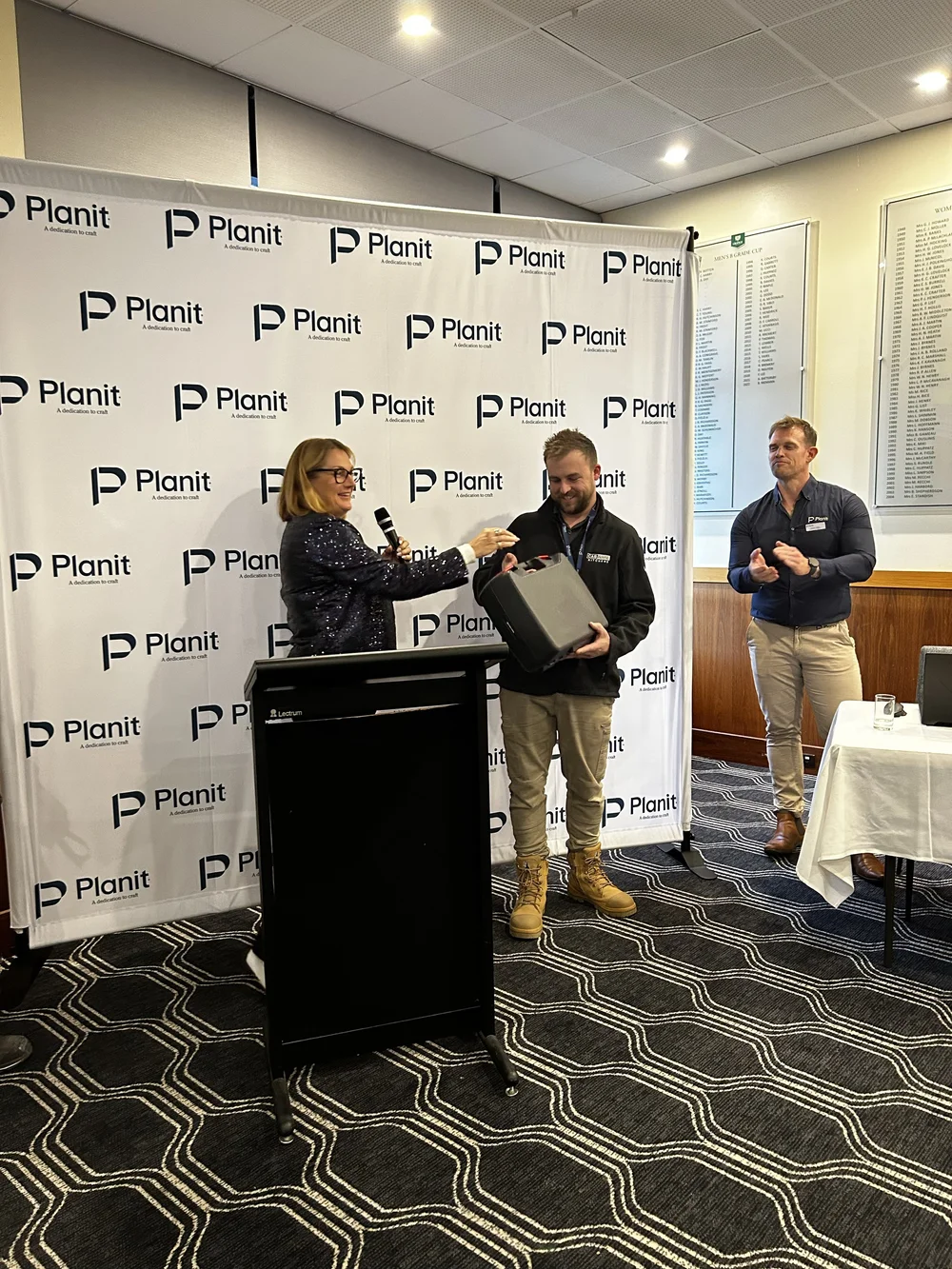
Software is only part of the decision. As Australia's only authorised CABINET VISION reseller, Planit surrounds it with the services that get your workshop productive and keep it that way.
 Planit+ Concierge onboardingA guided welcome so your team is set up properly from day one.Learn more →
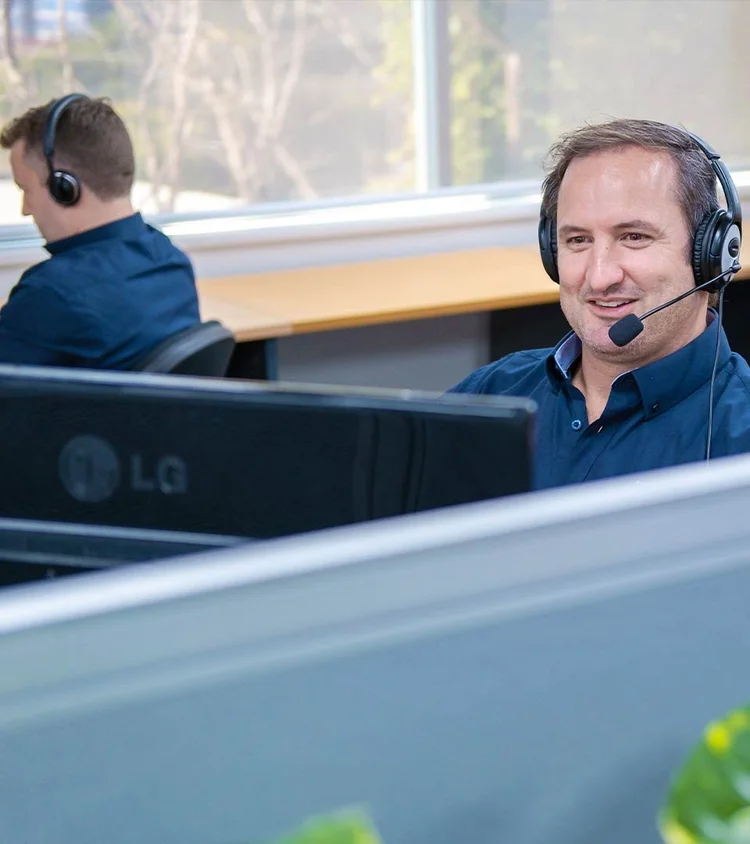 Certified help deskPlanit Certified support on 1300 716 932, from people who know cabinetmaking.Learn more →Consultancy & trainingOnline sessions of 1, 3 or 6 hours, onsite team training and Planit Academy.Learn more →
 Machine connectionsPosts and tooling set up for your CNC, with partners including HOMAG, Biesse and SCM.Learn more →
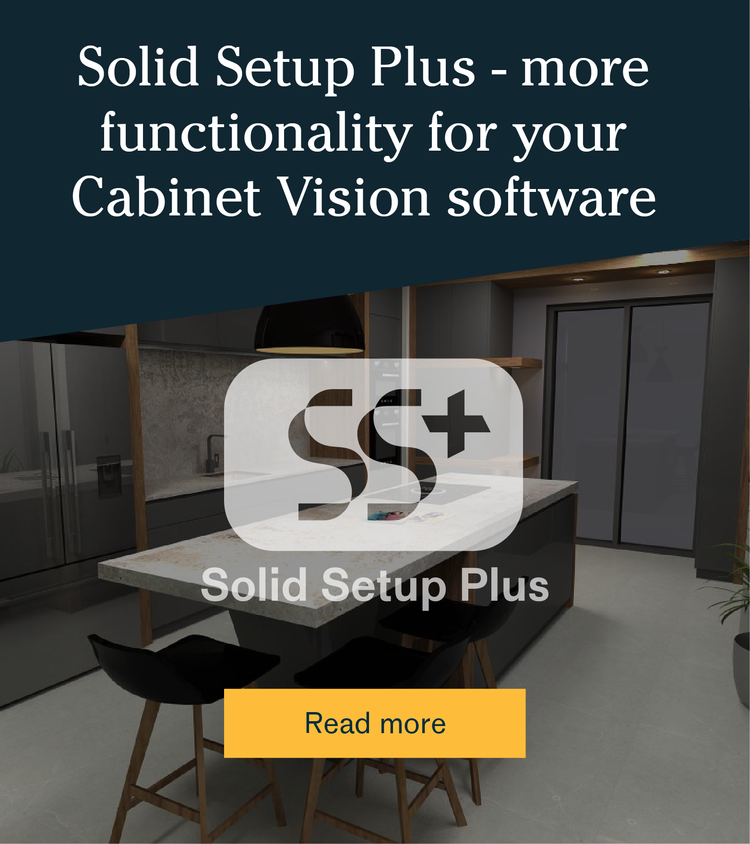 Solid Setup PlusReady-made hardware packages from leading brands such as Blum, Hettich and Häfele.Learn more →
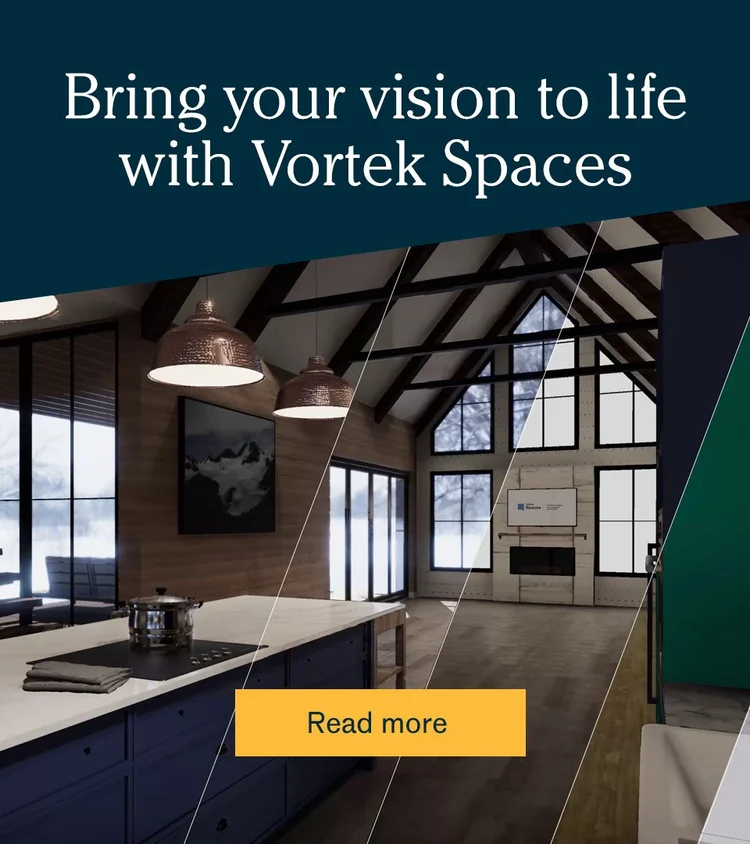 VORTEK SpacesImmersive 3D presentations that help clients say yes sooner.Learn more →
 Leica measuringLeica laser measuring tools for fast, accurate site measurements.Learn more →
 Flexible licensingSubscription with Planit+ included, or a perpetual licence.Learn more →
Your Planit team
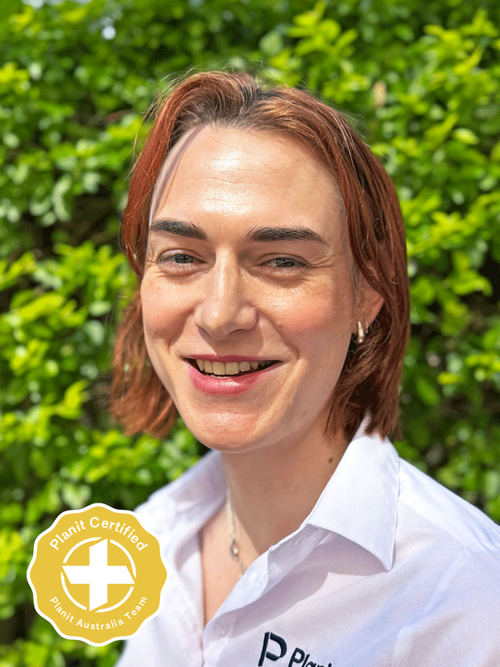 Alexandra RoweProduct Solutions Expert · Planit Certified
 Damien SengthongProduct Solutions Expert · Planit Certified
 Joshua AndersenProduct Solutions Expert · Planit Certified
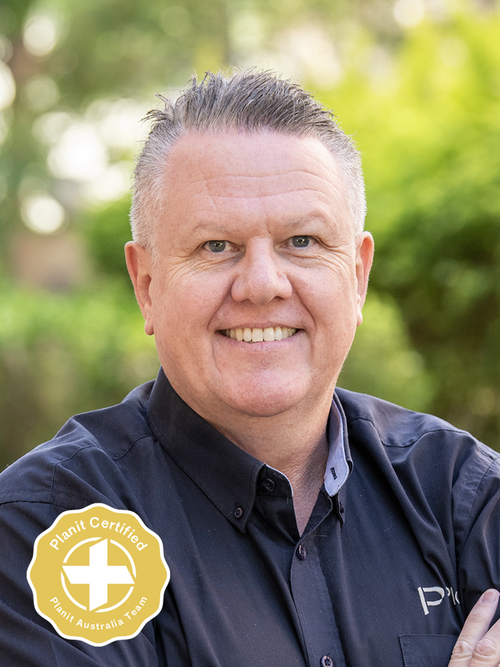 Noel SayerPlanit+ Concierge · Planit Certified
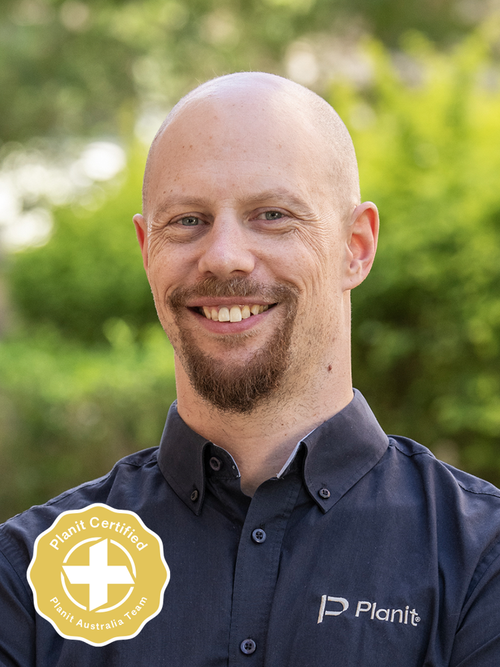 Matthew GrannetiaHelpdesk · Planit Certified
How to choose cabinet making software
Eight questions to ask every vendor before you commit.
- 01
Design to manufacture
Can one system take a job from design to cut lists, optimisation and CNC code?
Ask: what happens between the design and the machine?
- 02
Your CNC machine
Does it support your machine brand and controller, and who sets up the connection?
Ask: who in Australia configures and supports the link?
- 03
Room to grow
Can you add modules, users and machines without changing software?
Ask: what does it look like with three CNCs and ten users?
- 04
Customisation
Can you build your own construction methods, catalogues and standards?
Ask: how much can we customise without a programmer?
- 05
Licence & payment
Subscription, perpetual or both? Monthly, quarterly or annual?
Ask: what's the minimum term and what happens at renewal?
- 06
Local support
Is there an Australian help desk and onboarding team in your time zone?
Ask: who do we call when a job is stuck on the machine?
- 07
Training
Are there structured courses, live sessions and onsite options?
Ask: how will new staff get productive?
- 08
Total cost of ownership
Licence fees plus onboarding, training, CNC setup, hardware libraries, support and upgrades. The cheapest licence isn't always the cheapest system.
Ask: what will year two and three cost?
The main options, profiled
What each package does well, and when it's often a good fit.
CABINET VISION
Strengths
- Design to manufacture in one stand-alone system
- Modular: buy the modules you need and add more later
- Screen to Machine for CNC output; Solid Setup Plus hardware packages
- Subscription or perpetual licence, with Planit+ included in every subscription
- Local onboarding, help desk, Consultancy and machine connections from Planit
Often a fit if
- You're growing, running or adding CNC machines
- You want one system from design to the factory floor
- You want local onboarding, training and support
Mozaik
Strengths
- Published monthly pricing and a 3-month paid trial
- Self-serve sign-up and a large free video library
- Design, optimiser and CNC products in one family
Often a fit if
- You're a small residential shop starting out
- You want low entry cost and self-service
Microvellum
Strengths
- Highly customisable design-to-manufacturing platform
- Runs inside BricsCAD (BSB) or AutoCAD (AC)
- Classroom training at a Penrith NSW centre
Often a fit if
- Your team is experienced in CAD and wants to work inside a CAD platform
- You do commercial millwork with heavy customisation
CabMaster
Strengths
- Australian-made, with more than 40 years in the industry
- Published AUD pricing, including a designer plan
- Ibex CNC for nesting, toolpaths and labelling
Often a fit if
- You want Australian-made software with published prices
- You're a small to mid cabinetmaker or designer
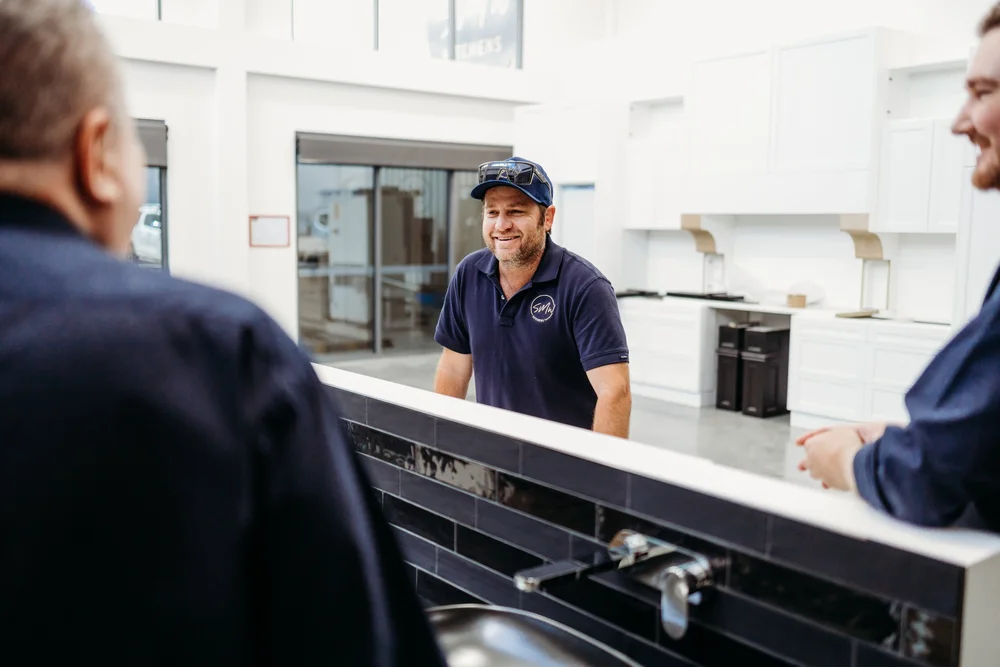
They fix any problem we have, are all very helpful and all very much up to speed.
Simon Wiley · Owner, SMW Kitchens, Tamworth NSW
Read the case study →Cabinet making software FAQs
What is the best cabinet making software in Australia?
The best cabinet making software depends on your workshop. Small residential shops on a tight budget often start with entry-level subscription software such as Mozaik or CabMaster. Growing workshops and CNC manufacturers that need design to manufacture in one scalable system often choose CABINET VISION, sold and supported in Australia by Planit.
What is the difference between cabinet design software and cabinet manufacturing software?
Cabinet design software focuses on layouts, drawings and renders for clients. Cabinet manufacturing software also produces cut lists, optimised sheet layouts and machine-ready code for CNC machines. Systems such as CABINET VISION cover both, from design through to manufacture.
Which cabinet making software works with CNC machines?
CABINET VISION, Mozaik, Microvellum and CabMaster (with Ibex CNC) can all produce output for CNC machines. Check that the software supports your machine brand and controller, and who in Australia will set up and support the machine connection.
Is CABINET VISION available on subscription in Australia?
Yes. Planit Australia offers CABINET VISION as a subscription, paid 12 months upfront or quarterly with Planit+ included, or as a perpetual licence. Planit is the only authorised CABINET VISION reseller in Australia.
Does Microvellum need AutoCAD?
Microvellum runs inside a CAD platform. Its current options are Microvellum BSB, bundled with BricsCAD, and Microvellum AC for AutoCAD users. CABINET VISION is a stand-alone system with no separate CAD platform.
Is CabMaster Australian software?
Yes. CabMaster Software is Australian-made, based in Melbourne, and has served the industry for more than 40 years.
How much does cabinet making software cost?
Costs range from entry-level monthly subscriptions to full manufacturing systems priced by modules, users and add-ons. Compare the total cost of ownership, including training, CNC setup, hardware libraries and support, not just the licence fee.
Can I switch to CABINET VISION from other cabinet software?
Yes. Planit helps workshops move to CABINET VISION with a tailored proposal, Concierge onboarding, library and hardware setup with Solid Setup Plus, machine connection and Consultancy training.
Talk to a Planit expert about your workshop
Tell us how you work today and where you're heading. We'll show you how CABINET VISION and Planit's services would fit your workshop, from onboarding and training to connecting your CNC.
1300 855 411 · sales@planitaustralia.com.au · Mon–Fri, 9am–5pm AEST