
A side-by-side guide for Australian workshops
CABINET VISION vs Mozaik
CABINET VISION or Mozaik: which is better?
Both will take a kitchen from plan view to a nested sheet. The difference shows on the jobs that aren't standard. Mozaik is a subscription-only package that's quick to get cutting on a single nesting router, and it suits residential shops building mostly standard carcasses. CABINET VISION, by Hexagon, is built around construction methods, material schedules and rules (UCS), so it handles custom and commercial work, multiple machines and multiple users without workarounds. In Australia it's sold outright or by subscription, and set up and supported by Planit.
What are the main differences between CABINET VISION and Mozaik?
Both will get a job to the router. These four differences decide how they cope as your work and your shop get more complex.
Own it or rent it
Licensing
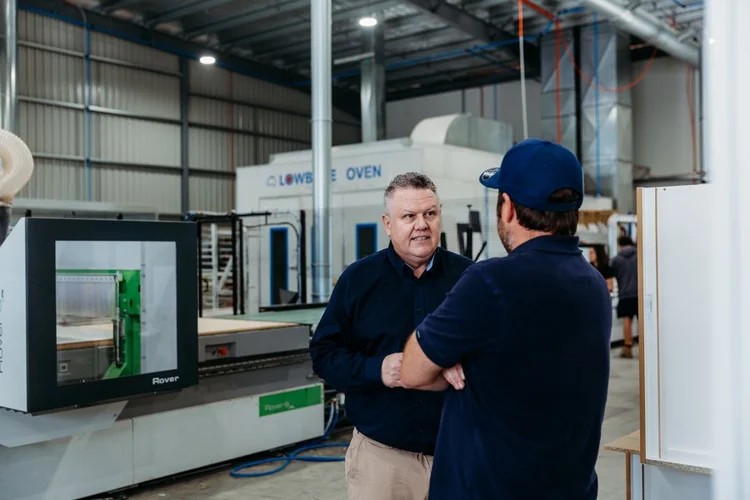
Mozaik is rented, month to month inside a 12-month term. CABINET VISION can be owned outright as a perpetual licence or subscribed to, with Planit+ onboarding included.
Beyond one router
Machines
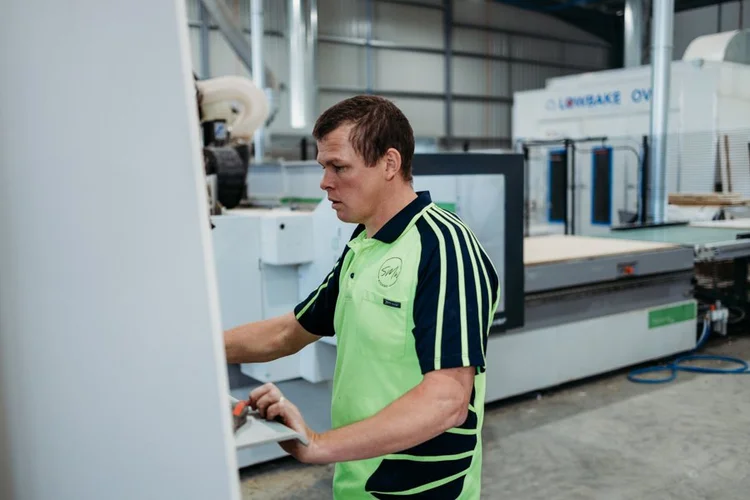
Mozaik is strongest driving one nesting router. CABINET VISION's S2M Center drives nesting, point-to-point and saw output from the same job, with posts set up for your exact machine.
Engineering control
Rules
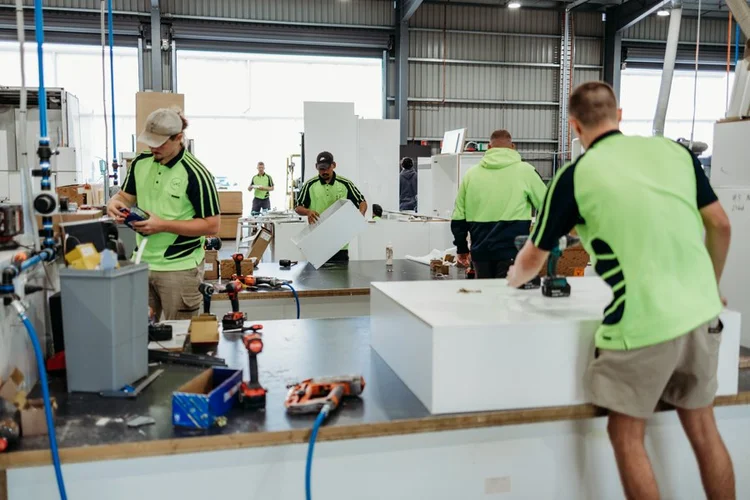
Mozaik edits products through parameters. CABINET VISION's UCS rules change construction and machining automatically, for example moving system holes when a shelf pin pattern or board thickness changes.
Who builds your library
Local setup
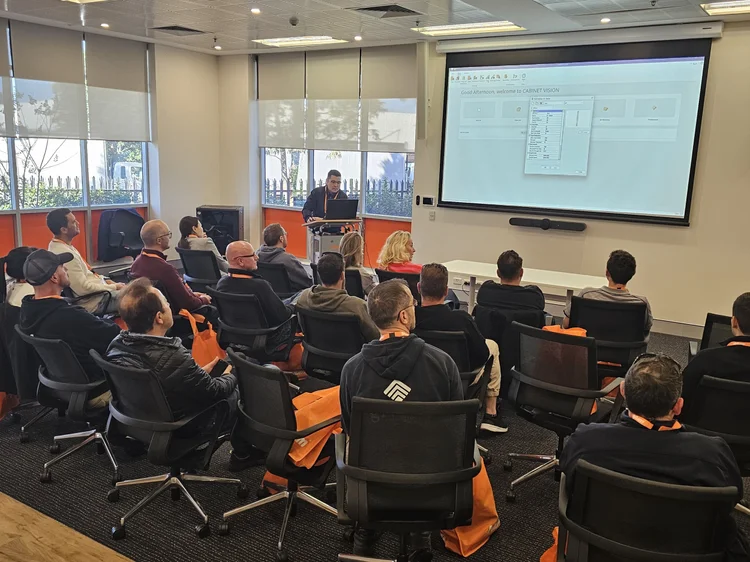
Mozaik is set up by you, with remote help. Planit's technicians build your construction methods, hardware and posts, then test-cut with you.
CABINET VISION vs Mozaik: side by side
What each package does, from licence to post processor.
| Compare | CABINET VISION | Mozaik |
|---|---|---|
| Developer | Hexagon, the industrial software group behind several CAD/CAM brands | Mozaik Software (Alabama, founded 2012), owned by Cyncly since 2022 |
| Local reseller and support | Planit Australia, Sutherland NSW: technicians, help desk, onsite | Cyncly direct, with ANZ trainers and remote help desk |
| Licence | Perpetual or subscription (12 months upfront or quarterly) | Subscription only; 3-month paid trial rolls into a 12-month term |
| Product structure | Modular: design, manufacturing and S2M Center added as needed | Three editions: Manufacturing (saw), CNC (nesting), Enterprise (multi-user) |
| Construction setup | Construction methods, material schedules and UCS rules | Product Editor, parameters and shop standards |
| Hardware and boring | Solid Setup Plus packages with machining rules for Blum, Hettich and Häfele | Hardware in product libraries; ANZ library (CADmate) available |
| Nesting | Block and true-shape nesting, grain control, perimeter nesting to hold small parts | Rectangular and true-shape nesting; multiple optimiser runs in Enterprise |
| Machine types | Nested routers, point-to-point machines, panel saws and drill/dowel machines from one job | Nested routers, beam saws and drill/dowel machines |
| Post processors | Configured and tested for your machine and tool library by Planit | Stock posts for 175+ brands; you configure tooling |
| Labels and shop paperwork | Part labels, cut lists, reports and custom report layouts | Nested labels in a higher tier; Paperless Shop add-on |
| Client presentation | Renders, plus VORTEK Spaces immersive presentations | Cloud rendering |
| Training | Planit Academy, Consultancy (1, 3 or 6 hours or onsite), Nexus Academy | Videos, help docs, forums, live Q&A, one session with a licence |
| Operating system | Windows | Windows (no native macOS) |
| Typical fit | Growing shops, multi-machine factories, custom and commercial work | Small residential shops running one router |

Is Mozaik subscription only? Licensing compared
Yes. Mozaik is subscription only: a paid three-month trial that rolls into a 12-month term, renewing each year. Stop paying and the licence stops working, along with access to the library you've spent years tuning.
CABINET VISION can be bought outright as a perpetual licence, or subscribed to (12 months upfront or quarterly) with Planit+ onboarding and support included. For an established shop, a perpetual licence makes your construction library a business asset rather than something you rent back each month.

Which is more customisable?
For a standard 16mm carcass with a 32mm system, both packages do the job. The gap opens on the exceptions: a run of 18mm HMR carcasses with 2mm ABS edging, finger-pull rails, shadowline gables, scribe fillers and appliance housings that change on every job.
Mozaik handles these through its Product Editor and parameters, which is fast for one-off changes but means editing products by hand. CABINET VISION handles them through construction methods and UCS rules, so the software changes joinery, edging deductions and boring automatically when the material or size changes. That's the difference between drawing a custom job and engineering one.
Which is better for CNC?
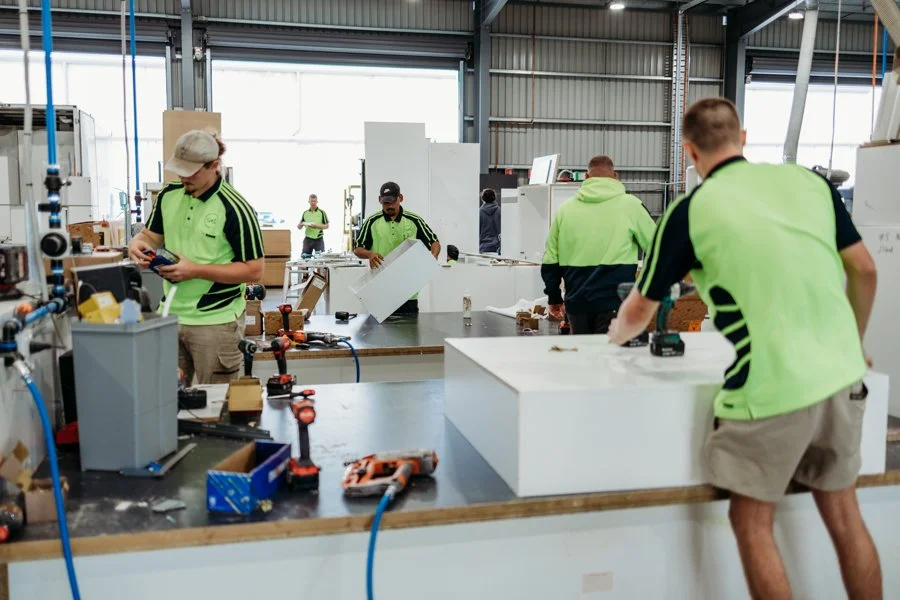
Most problems on the router aren't the software's nest. They're the post and the tool library: wrong tool numbers, tool-change orders, entry moves, small parts moving on the last pass, or onion-skin depths set for a different spoilboard. Mozaik ships stock posts for more than 175 brands, which gets you close, and you fine-tune them yourself with remote help.
CABINET VISION's S2M Center nests by material and grain (block or true-shape), uses perimeter nesting to stop small parts moving, and outputs to nesting routers, point-to-point machines and panel saws from the same job. Planit's technicians build the post and tool library for your exact machine, then test-cut with you, so the first sheet you send is a production sheet.
Which has better support in Australia?
Mozaik is supported by Cyncly's help desk, with ANZ trainers, help documents, forums and live Q&A. An Australian library (CADmate) gives you a local starting point for carcass construction.
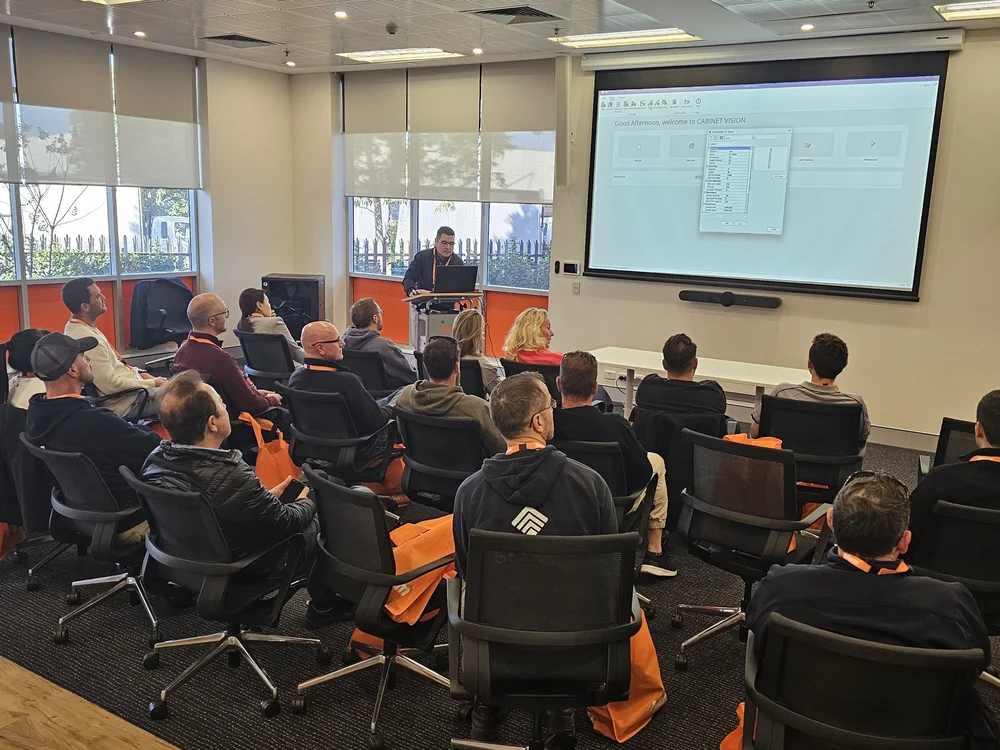
CABINET VISION in Australia is supported by Planit, a team of Planit Certified Product Solution Experts who work on Australian jobs, boards and machines every day. When a label prints wrong or a post throws an error, you're talking to someone who knows your setup. Training is through Planit+ Concierge onboarding, paid Consultancy and Planit Academy.
Which costs less over five years?
Mozaik usually costs less to start. Over five years these six costs decide it.
Which should you choose?
Mozaik is a sound choice for plenty of small shops. This is how we'd decide.
Mozaik is often a fit if
- You run one nesting router and build mostly standard residential carcasses
- You want the lowest entry cost and a monthly payment
- You're comfortable tuning posts and libraries yourself
- You don't need multiple users or machines yet
CABINET VISION is often a fit if
- You run, or plan to run, more than one machine
- You build custom, commercial or highly varied work
- You want rules to handle construction and machining, not manual edits
- You want to own your licence
- You want your library and posts built and tested locally
Switching from Mozaik to CABINET VISION
How Planit moves a workshop across without stopping production.
- Review your jobsWe look at your current jobs, construction, hardware, boards and machine, and agree what has to carry over.
- Build your construction methodsCarcass construction, edging, joinery and Solid Setup Plus hardware are set up to match how you build now.
- Set up the post and toolsYour post and tool library are built for your machine, then test-cut on scrap before production.
- Train designers and operatorsPlanit+ Concierge onboarding, then Consultancy and Planit Academy for each role.
- Run in parallelFinish live jobs in Mozaik while new jobs start in CABINET VISION.
- Refine and supportWe tune rules and reports as real jobs go through, backed by the help desk.
What you get with CABINET VISION from Planit
The people who build your library, connect your machine and answer the phone are the same Australian team.
 Planit+ Concierge onboardingA guided welcome so your team is set up properly from day one.Learn more →
 Certified help deskPlanit Certified support on 1300 716 932, from people who know cabinetmaking.Learn more →Consultancy & trainingOnline sessions of 1, 3 or 6 hours, onsite team training and Planit Academy.Learn more →
 Machine connectionsPosts and tooling set up for your CNC, with partners including HOMAG, Biesse and SCM.Learn more →
 Solid Setup PlusReady-made hardware packages from leading brands such as Blum, Hettich and Häfele.Learn more →
 Flexible licensingSubscription with Planit+ included, or a perpetual licence.Learn more →
Your Planit team
 Alexandra RoweProduct Solutions Expert · Planit Certified
 Damien SengthongProduct Solutions Expert · Planit Certified
 Joshua AndersenProduct Solutions Expert · Planit Certified
 Noel SayerPlanit+ Concierge · Planit Certified
 Matthew GrannetiaHelpdesk · Planit Certified
They fix any problem we have, are all very helpful and all very much up to speed.
Simon Wiley · Owner, SMW Kitchens, Tamworth NSW
Read the case study →CABINET VISION vs Mozaik FAQs
Is CABINET VISION better than Mozaik?
For standard residential work on one router, both will do the job. CABINET VISION is the stronger choice once you have custom or commercial work, more than one machine or user, or want rules rather than manual edits to drive construction and machining. In Australia it is also available as a perpetual licence and is set up locally by Planit.
Is Mozaik cheaper than CABINET VISION?
Mozaik is usually cheaper to start because it is a monthly subscription. Over five years the real cost includes tiers and seats, post and library setup, training and material yield. CABINET VISION is quoted to the modules you need and can be bought outright.
Can I buy Mozaik outright?
No. Mozaik is subscription only: a paid three-month trial that converts to a 12-month term. CABINET VISION is available as a perpetual licence or a subscription.
Does Mozaik have support in Australia?
Mozaik is owned by Cyncly and supported through its help desk, including ANZ trainers, help documents and online training. CABINET VISION is supported by Planit's technical team in Sutherland NSW.
Which is easier to learn, Mozaik or CABINET VISION?
Mozaik is quicker to start on standard cabinetry. CABINET VISION has more depth because construction is rule-driven, so setup matters more. Planit builds your construction methods and posts with you, which shortens the learning curve.
Which is better for CNC, Mozaik or CABINET VISION?
Mozaik includes stock posts for more than 175 CNC brands and suits a single nesting router. CABINET VISION's S2M Center drives nesting routers, point-to-point machines and panel saws from one job, and Planit sets up and test-cuts the post and tool library for your machine.
Can I bring my Mozaik library into CABINET VISION?
Libraries don't transfer directly between the two systems. Planit rebuilds your construction, edging and hardware as CABINET VISION construction methods, so it builds the way you do now, then refines it on live jobs.
Do Mozaik and CABINET VISION run on a Mac?
Both are Windows software. Mozaik does not natively support macOS. Planit can advise on suitable Windows hardware for CABINET VISION.
What is the difference between Mozaik Manufacturing, CNC and Enterprise?
Mozaik Manufacturing is for saw-based shops, Mozaik CNC adds nesting and router output, and Mozaik Enterprise adds multi-user controls, multiple optimiser runs and workflow tools.
How do I get CABINET VISION in Australia?
Through Planit Australia, the authorised CABINET VISION reseller. Book a consultation and a Product Solution Expert will review your work and machine and recommend modules and a licence option.
Keep researching
See CABINET VISION on your own jobs
Bring a real job, ideally one that gave you trouble. A Planit Product Solution Expert will build it in CABINET VISION and take it through to nested output for your machine.
1300 855 411 · sales@planitaustralia.com.au · Mon–Fri, 9am–5pm AEST