
A side-by-side guide for Australian workshops
CABINET VISION vs CabMaster

CABINET VISION or CabMaster: which is better?
Both are proven cabinet design packages, and both can be bought outright or by subscription. CabMaster is Australian-made, with published AUD pricing, and it hands CNC work to a separate CAM program, Ibex, through DXF export. CABINET VISION, by Hexagon, designs and machines in one system: construction methods and UCS rules drive the S2M Center output directly, across routers, point-to-point machines and panel saws. In Australia it's set up and supported by Planit.
What are the main differences between CABINET VISION and CabMaster?
Both will get a job to the router. These four differences decide how they cope as your work and your shop get more complex.
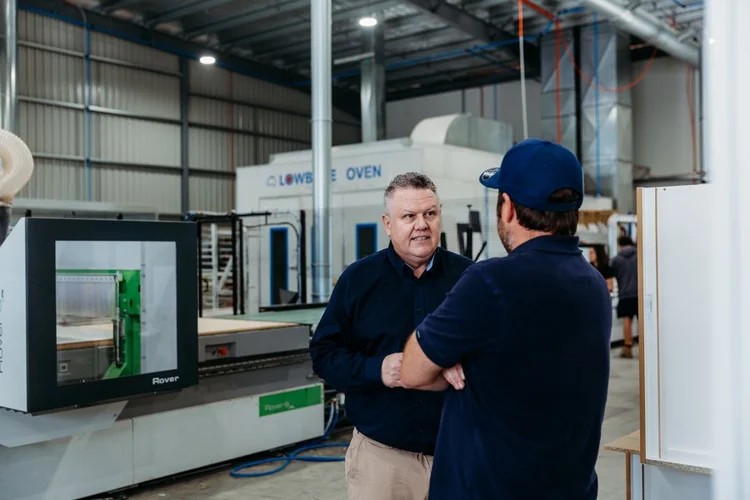
One system or two
Integration
CabMaster designs the job and Ibex cuts it, linked by DXF export. CABINET VISION designs and machines from one database, so a design change flows straight through to the nested sheet.
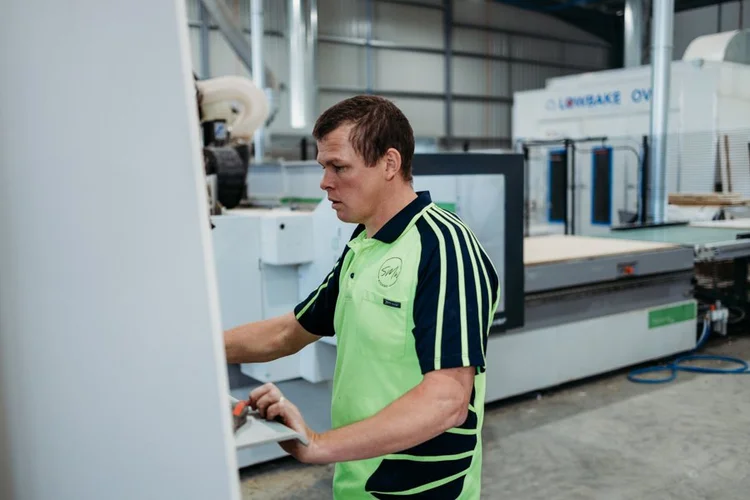
Engineering control
Rules
CabMaster customises through its cabinet library and a part machining editor. CABINET VISION's UCS rules change construction, edging and boring automatically when material or sizes change.
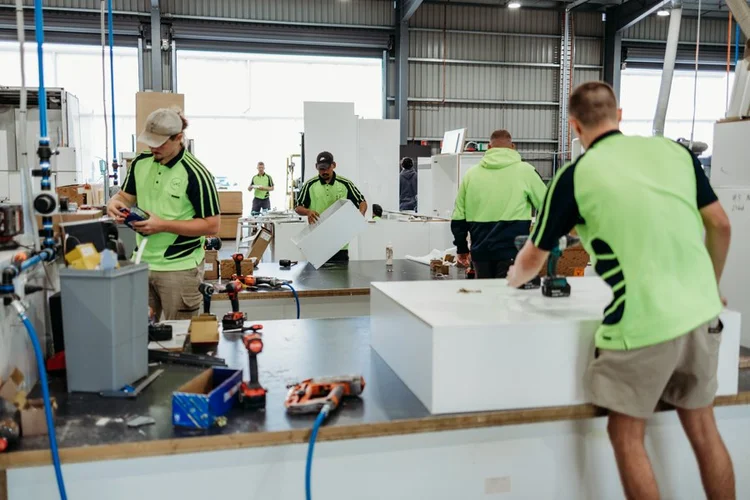
Beyond one machine
Machines
CabMaster covers panel saws (CL Max) and routers (via Ibex). CABINET VISION's S2M Center drives routers, point-to-point machines and panel saws from the same job.
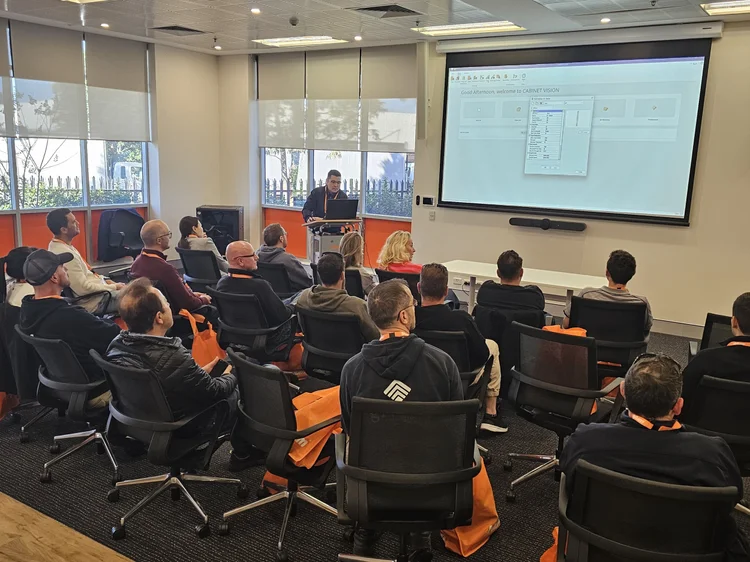
What comes around it
Ecosystem
CabMaster is a focused Australian product. CABINET VISION adds Hexagon's global development with Planit's local services: Solid Setup Plus, VORTEK Spaces, Leica measuring and onsite training.
CABINET VISION vs CabMaster: side by side
What each package does, from licence to post processor.
| Compare | CABINET VISION | CabMaster |
|---|---|---|
| Developer | Hexagon, the industrial software group behind several CAD/CAM brands | CabMaster Software, Melbourne; Australian-made, 40+ years in the industry |
| Local reseller and support | Planit Australia, Sutherland NSW: technicians, help desk, onsite | CabMaster's Melbourne team and partners; phone Mon–Fri 7am–5pm AEST |
| Licence | Perpetual or subscription (12 months upfront or quarterly) | Subscription (quarterly or annual, no lock-in) or buy-to-own on most tiers |
| Updates on an owned licence | Optional Planit+ maintenance membership | Optional Customer Care agreement; catch-up fee if it lapses |
| Product structure | Modular: design, manufacturing and S2M Center added as needed | Tiers for designers, panel saws (CL Max), Pro and CNC (Machining Premium) |
| Design to CNC | One system: design, construction, nesting and machine output | CabMaster designs; Ibex CAM nests and machines via layered DXF |
| Construction setup | Construction methods, material schedules and UCS rules | Cabinet library, saved custom cabinets, part machining editor |
| Hardware and boring | Solid Setup Plus packages with machining rules for Blum, Hettich and Häfele | Hardware in the cabinet library; listed as a Blum software partner |
| Nesting | Block and true-shape nesting, grain control, perimeter nesting to hold small parts | True-shape nesting in Ibex; panel saw optimiser in CL Max |
| Machine types | Nested routers, point-to-point machines, panel saws and drill/dowel machines from one job | Routers via Ibex (drill banks, tool changers); panel saws via CL Max |
| Post processors | Configured and test-cut for your machine and tools by Planit | Written and provided by CabMaster for Ibex, with a link setup |
| Client presentation | Renders, plus VORTEK Spaces immersive presentations | Photo-realistic renders and 3D walk-through videos |
| Training | Planit Academy, Consultancy (1, 3 or 6 hours or onsite), Nexus Academy | Personalised training, knowledge base, YouTube lessons |
| Typical fit | Growing shops, multi-machine factories, custom and commercial work | Australian small to mid cabinetmakers and designers |

Can you own CabMaster? Licensing compared
Yes. On most tiers CabMaster can be bought outright, with payment terms available, or subscribed to quarterly or annually with no lock-in. On an owned licence, updates and support come through an optional Customer Care agreement; let it lapse and there's a fee to catch up on missed versions.
CABINET VISION offers the same choice: a perpetual licence, or a subscription paid 12 months upfront or quarterly with Planit+ onboarding and support included. Licensing alone won't separate these two. What you're licensing will: one integrated design-to-machine system, or a design program plus a separate CAM package.

Which is more customisable?
CabMaster's library covers kitchens, robes, vanities and laundries well, and on Pro and Machining Premium you can save custom cabinets and edit machining part by part. For a shop building a consistent product, that's often enough.
The gap shows when the product isn't consistent: 18mm HMR carcasses with 2mm ABS, finger-pull rails, shadowline gables and scribe fillers that change job to job. Editing parts by hand works, but it's where errors creep in. CABINET VISION's construction methods and UCS rules make those changes for you, adjusting joinery, edging deductions and boring whenever the material or size changes.
Which is better for CNC?
CabMaster's route to the router is two programs. Machining Premium exports layered DXF files per part; Ibex imports them, true-shape nests, assigns toolpaths (with drill bank and tool changer support, bridges and helical entries) and posts G-code. CabMaster writes the post and configures the link, and it works well once set.
The cost of two programs shows when a job changes after it's nested: re-export, re-import, re-nest, and check the layers mapped correctly. In CABINET VISION the machining is part of the cabinet, so S2M Center re-nests from the design itself, and the same job can feed a router, a point-to-point machine or a panel saw. Planit builds and test-cuts the post and tool library for your exact machine.
Which has better support in Australia?
CabMaster is genuinely local: a Melbourne head office, phone support Monday to Friday 7am to 5pm AEST, a knowledge base and YouTube lessons, with training through its team and partners. For many shops that local access is a big part of the appeal.
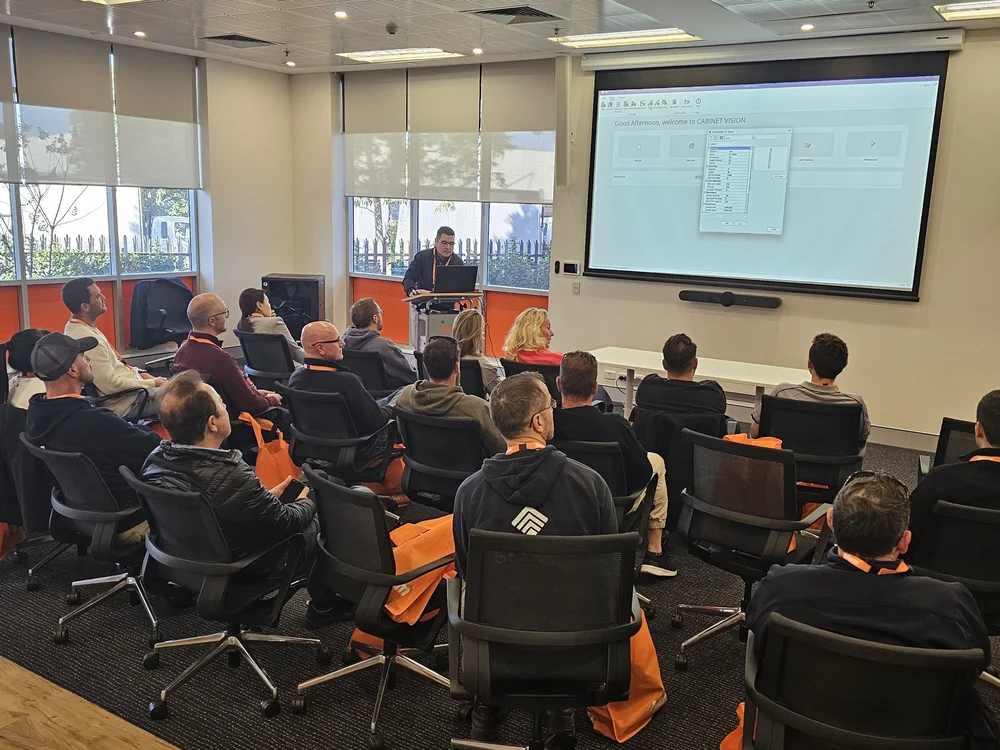
CABINET VISION in Australia is equally local through Planit's team of Planit Certified Product Solution Experts, who build libraries, connect machines and train teams onsite. Behind them is Hexagon's global development and the Nexus community and academy, plus Planit services that go past the software: Solid Setup Plus hardware packages, VORTEK Spaces presentations and Leica laser measuring.
Which costs less over five years?
Both can be owned or subscribed to. Over five years these six costs decide which costs less.
Which should you choose?
CabMaster is a capable Australian product and the right choice for many shops. This is how we'd decide.
CabMaster is often a fit if
- You're a small to mid shop building a consistent product
- You want Australian-made software with published AUD pricing
- You run one panel saw or one router
- You're comfortable managing a design-to-CAM handover
CABINET VISION is often a fit if
- You run, or plan to run, more than one machine
- You build custom, commercial or highly varied work
- You want design and machining in one system, without a DXF handover
- You want rules to handle construction and machining, not manual edits
- You want hardware packages, VORTEK and onsite setup from one local team
Switching from CabMaster to CABINET VISION
How Planit moves a workshop across without stopping production.
- Review your jobsWe look at your current jobs, library, hardware, boards and machine, and agree what has to carry over.
- Build your construction methodsCarcass construction, edging, joinery and Solid Setup Plus hardware are set up to match how you build now.
- Set up the post and toolsYour post and tool library are built for your machine, then test-cut on scrap before production.
- Train designers and operatorsPlanit+ Concierge onboarding, then Consultancy and Planit Academy for each role.
- Run in parallelFinish live jobs in CabMaster while new jobs start in CABINET VISION.
- Refine and supportWe tune rules and reports as real jobs go through, backed by the help desk.
What you get with CABINET VISION from Planit
The people who build your library, connect your machine and answer the phone are the same Australian team.
 Planit+ Concierge onboardingA guided welcome so your team is set up properly from day one.Learn more →
 Certified help deskPlanit Certified support on 1300 716 932, from people who know cabinetmaking.Learn more →Consultancy & trainingOnline sessions of 1, 3 or 6 hours, onsite team training and Planit Academy.Learn more →
 Machine connectionsPosts and tooling set up for your CNC, with partners including HOMAG, Biesse and SCM.Learn more →
 Solid Setup PlusReady-made hardware packages from leading brands such as Blum, Hettich and Häfele.Learn more →
 Flexible licensingSubscription with Planit+ included, or a perpetual licence.Learn more →
Your Planit team
 Alexandra RoweProduct Solutions Expert · Planit Certified
 Damien SengthongProduct Solutions Expert · Planit Certified
 Joshua AndersenProduct Solutions Expert · Planit Certified
 Noel SayerPlanit+ Concierge · Planit Certified
 Matthew GrannetiaHelpdesk · Planit Certified
They fix any problem we have, are all very helpful and all very much up to speed.
Simon Wiley · Owner, SMW Kitchens, Tamworth NSW
Read the case study →CABINET VISION vs CabMaster FAQs
Is CABINET VISION better than CabMaster?
Both are capable. CabMaster suits Australian shops building a consistent product on one panel saw or router. CABINET VISION is the stronger choice when you want design and machining in one system, rules rather than manual edits driving construction, or more than one machine or user. In Australia it is set up and supported by Planit.
Is CabMaster Australian-made?
Yes. CabMaster Software is Australian-made, with its head office in Melbourne and more than 40 years in the industry. CABINET VISION is developed by Hexagon and sold and supported in Australia by Planit in Sutherland NSW.
Can I buy CabMaster outright?
Yes, on most tiers. CabMaster offers buy-to-own licences with an optional Customer Care agreement for updates and support, or subscriptions paid quarterly or annually. CABINET VISION is also available as a perpetual licence or a subscription.
Does CabMaster run CNC machines?
CabMaster Machining Premium exports layered DXF files to Ibex, CabMaster's CAM software, which nests, toolpaths and outputs G-code. CABINET VISION produces machine output directly through S2M Center, in the same system you design in.
What is Ibex?
Ibex is the CNC CAM software sold by CabMaster. It imports DXF files, true-shape nests, applies toolpaths and outputs G-code for CNC routers, and is licensed separately from CabMaster's design software.
Which is easier to learn, CabMaster or CABINET VISION?
CabMaster is quick to start for standard cabinetry. CABINET VISION has more depth because construction is rule-driven, so setup matters more. Planit builds your construction methods and posts with you, which shortens the learning curve.
Can I bring my CabMaster library into CABINET VISION?
Libraries don't transfer directly between the two systems. Planit rebuilds your construction, edging and hardware as CABINET VISION construction methods so it builds the way you do now, then refines it on live jobs.
Do CabMaster and CABINET VISION run on a Mac?
Both are Windows software. Planit can advise on suitable Windows hardware for CABINET VISION.
Which is better for a panel saw?
CabMaster CL Max includes a panel saw optimiser. CABINET VISION's S2M Center optimises for panel saws as well as CNC routers and point-to-point machines from the same job, which suits shops running more than one machine.
How do I get CABINET VISION in Australia?
Through Planit Australia, the authorised CABINET VISION reseller. Book a consultation and a Product Solution Expert will review your work and machine and recommend modules and a licence option.
Keep researching
See CABINET VISION on your own jobs
Bring a real job, ideally one that gave you trouble. A Planit Product Solution Expert will build it in CABINET VISION and take it through to nested output for your machine.
1300 855 411 · sales@planitaustralia.com.au · Mon–Fri, 9am–5pm AEST