Wednesday 14th October 2026 | 1:00 PM – 2:00 PM AEST
Want to bring more realistic hardware into your CABINET VISION projects?
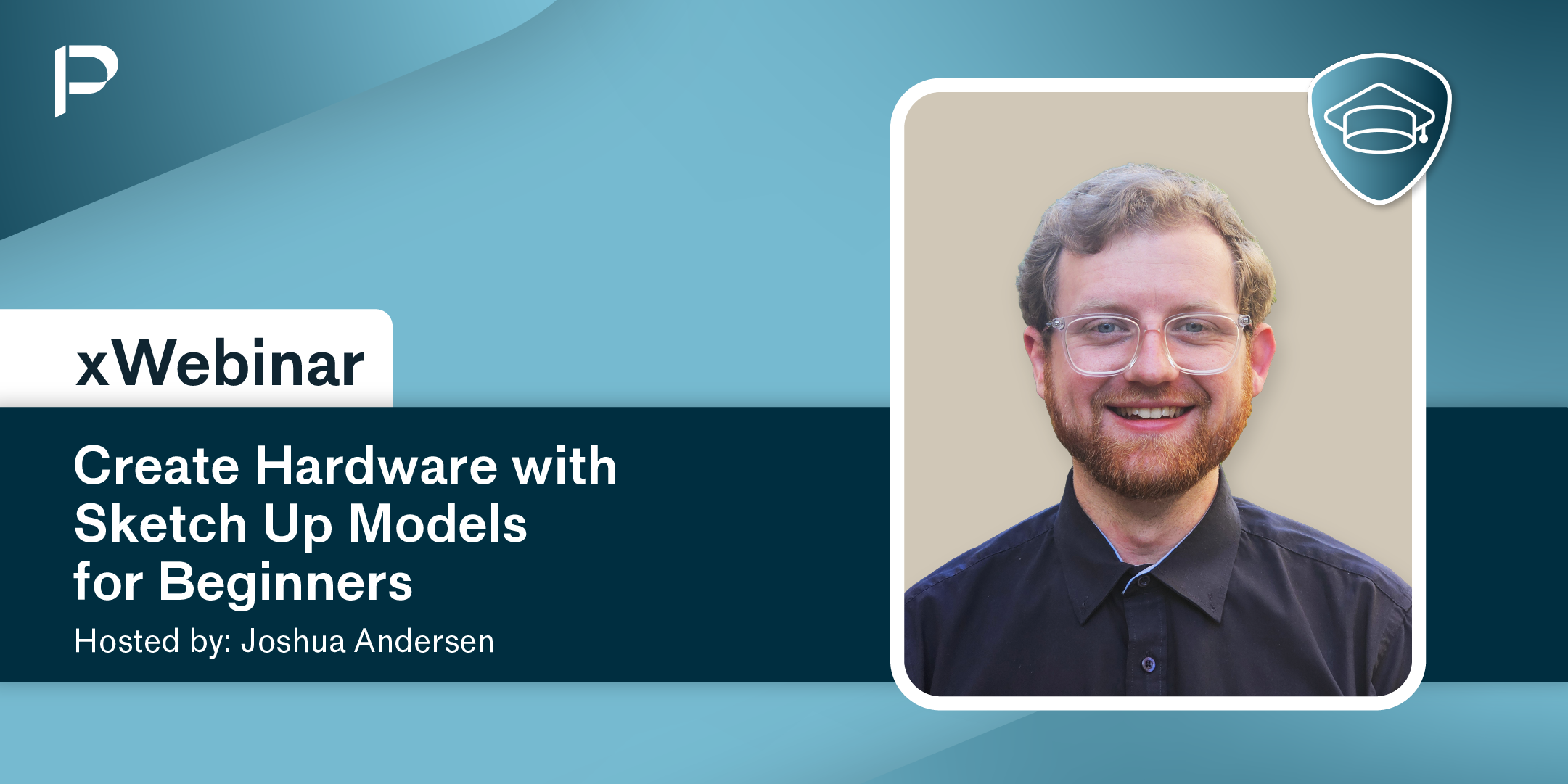
Join Joshua for this beginner-friendly webinar where you'll learn how to create and use hardware materials with SketchUp models in CABINET VISION.
Discover two practical workflows: importing an existing SketchUp model sourced online, and creating a custom SketchUp model from scratch before integrating it into CABINET VISION.
You'll also gain valuable insight into the Material Manager, hardware setup, and the process of displaying custom hardware within your jobs.
What You Will Learn:
Understand where SketchUp models can be used within CABINET VISION hardware materials
Navigate the Material Manager for hardware creation
Source and import existing SketchUp models
Create a basic hardware model in SketchUp
Create hardware materials in CABINET VISION
Import SketchUp models into CABINET VISION materials
Test and display custom hardware within a CABINET VISION job
Session Agenda:
Introduction to Hardware Models
Overview of the Material Manager, hardware material types, and where SketchUp models provide the greatest benefitHardware Example Selection
Review two hardware examples and compare imported versus custom-created modelsUsing an Existing SketchUp Model
Learn how to find suitable models online, review file compatibility, create a hardware material, import the SketchUp model, and configure its propertiesCreating a Custom SketchUp Model
Build a simple hardware component in SketchUp, prepare it for CABINET VISION, and create a new hardware materialTesting Hardware in a Job
Apply custom hardware within a CABINET VISION project and review its appearance and placementLive Q&A
Ask questions and get practical tips for creating and building your own hardware library
Whether you're new to hardware creation, looking to improve job visualisation, or wanting to make use of manufacturer-provided 3D models, this session will provide practical techniques you can start using immediately.
Register today and learn how to bring custom hardware models into your CABINET VISION projects!
This is an exclusive xWebinar for Planit+ members. Registration links are sent via email.
Not a Planit+ member or haven’t received an invite? Contact us for more information.